The real choice is queueing or clicking—most wait too late.
At 9:47 p.m., I hovered over the LTO Online Portal login on my phone, thumb stuck between “try again” and “I’ll line up tomorrow.” The spinner kept looping on my shaky home Wi‑Fi, and I could already picture a Monday lunch break burned in an LTO queue. It felt like a small hesitation, but with a four-day Luzon drive coming up, it’s the kind that turns into a checkpoint headache fast.
The real choice isn’t “online vs. office”—it’s clicking early enough to avoid queueing later. If you log in a week ahead, you can usually verify the basics after work: license status, vehicle registration validity, and any recorded violations that could trigger a hold. The portal can be temperamental: downtime, slow OTPs, and missing records happen, so you’re not chasing perfection—just catching obvious problems while you still have time to pivot.
What tends to break plans is assuming every fix is online. Paying certain fees and downloading proof can be doable, but anything that needs physical inspection, document correction, or a system mismatch often forces an in-person visit anyway—and those visits punish late planners. If your portal data looks clean, you can commit to “clicking” and just save your screenshots and PDFs; if it’s incomplete or flagged, book a weekday slot now and treat it like trip insurance.
Log in and verify your details
At 8:56 p.m., I finally got the OTP—four minutes late, already half-distracted, and staring at a profile page that looked “fine” in the way a half-filled form looks fine. I paused on the name and birthday fields because a single wrong digit is the difference between a clean roadside check and a long explanation. Compared to lining up, this is still faster, but only if you treat it like verification, not browsing.
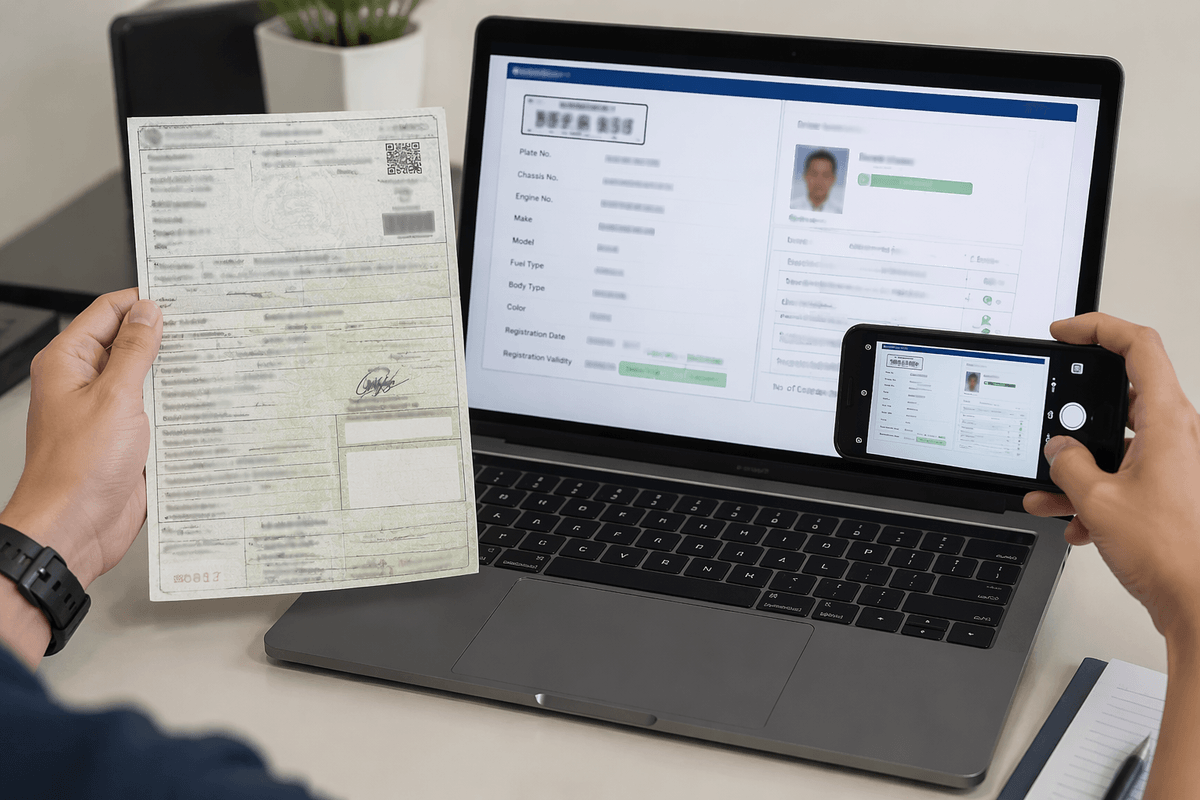
Inside the LTO Online Portal, start with what you can confirm in under 15 minutes after work: your account identity details, your driver’s license record (status/validity), and the vehicle details tied to you (plate/chassis/registration validity). The portal can show a record that’s technically “there” but incomplete—missing a vehicle, outdated address, or no downloadable proof—so take screenshots as you go, not at the end when the page won’t load.
If the portal can’t find your license, the vehicle doesn’t appear, or the details don’t match your OR/CR after two tries, don’t burn another night hoping it “refreshes.” That’s the fork where online stops being efficient: corrections, mismatched records, and anything that needs document checking still tends to mean an in-person visit. For a four-day Luzon trip, I’d rather spend one planned weekday hour at an office than gamble on a checkpoint delay with passengers and bags already in the car.
Check compliance: license, vehicle, violations
At 9:32 p.m., I had my OR/CR photo open on one screen and the portal on the other, flipping between plate and chassis numbers like I was double-checking a concert ticket. The portal showed a record, but it didn’t feel “road-ready” until the dates and identifiers matched what I could physically pull up. It’s a small hassle compared to an LTO queue, but it’s also the kind of mismatch a checkpoint won’t politely ignore.
For compliance, I treat the portal like a pre-check, not a one-stop fix: confirm your driver’s license status (validity/expiration and any flag), confirm the vehicle registration is current, then look for any recorded violations that can block transactions or invite a “sir/ma’am, step aside” delay. The trade-off is time versus certainty—15–25 minutes at night can catch obvious issues early, but if a violation is listed without a clear payment path, you’re probably not finishing it purely online.
What still tends to need an in-person visit: missing vehicle records, wrong chassis/engine details versus your OR/CR, anything requiring document correction, and cases where the portal won’t generate usable proof (or keeps erroring at payment). If you’re leaving in two or three days, it’s not worth “just one more refresh” after work—book a weekday slot and bring printouts/photos, because fixing a compliance problem is faster at 2 p.m. than at a checkpoint with a full trunk.
Pay, book, and save proof properly
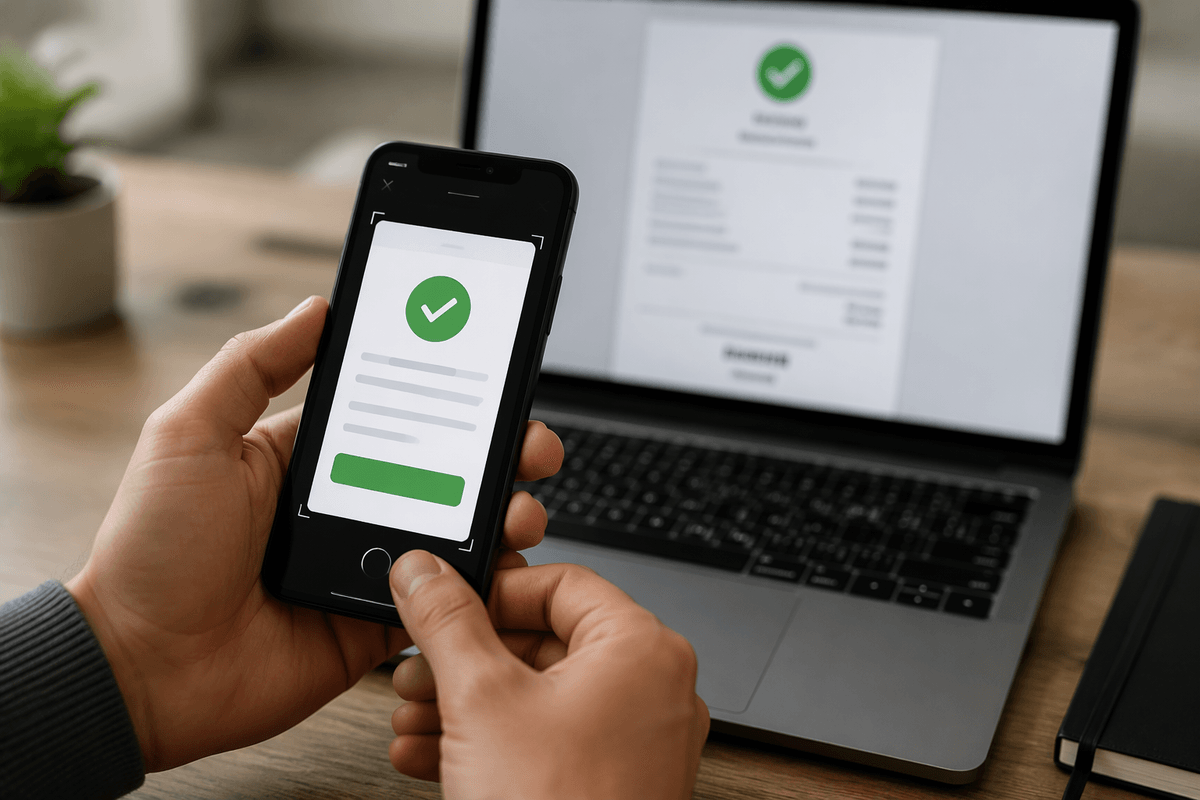
At 10:41 p.m., I hit “Pay” and watched the page hang long enough that I opened my banking app to check if I’d been charged. The portal looked done, then not done, then “please try again,” and that’s the exact moment duplicate payments happen. Compared to an LTO cashier window it’s still less painful, but only if you slow down and treat each click like it might not log properly.
If you can settle something online (violations with a clear payment path, renewal-related fees, or an appointment slot), do it in one clean session: stable Wi‑Fi, one device, and no app-switching until you see a final confirmation screen. The trade-off is convenience versus audit trail—online is fast, but checkpoints don’t care about “I’m sure I paid.” Save proof immediately in three formats: screenshot of the confirmation page, downloaded receipt/PDF if available, and the transaction reference number pasted into Notes with the date/time.
What the portal still won’t reliably “solve” is anything that needs a human to validate a correction: mismatched vehicle details, missing records, or transactions that fail but still post to your e-wallet/card. If your payment shows deducted without a portal receipt after 15–30 minutes, stop retrying and document what you have (bank/e-wallet history + screenshots), then plan an in-person follow-up on a weekday. For a four-day drive, I’d rather spend one lunch break fixing proof than spend an hour roadside explaining a “successful” payment you can’t show.
What I’d do 48 hours before driving
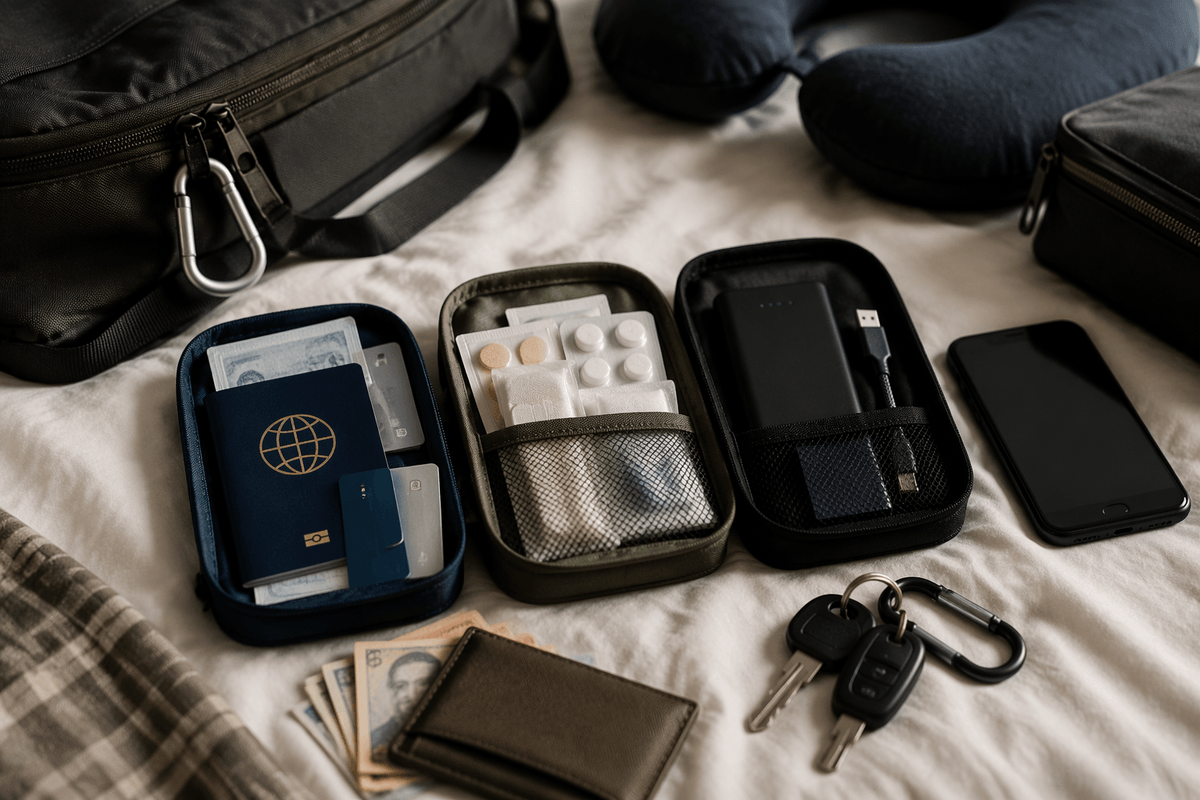
Two nights before the drive, around 9:15 p.m., I lay out my “checkpoint kit” on the dining table: phone, a spare data SIM, and a folder where I can actually find my OR/CR photo. It feels paranoid until you remember how fast a quick roadside stop turns into a time sink. Compared to doing this the morning of departure, 48 hours gives you just enough buffer to fix the stuff that can’t be fixed by refreshing a page.
I’d do one last portal pass with a timer (20–30 minutes, max): confirm license validity/expiration, confirm vehicle registration validity, and re-check violations/holds—then open each proof file to make sure it’s readable offline. The portal is great at showing “status,” but it’s inconsistent at producing proof when you need it, so I assume pages may not load at a checkpoint. If anything looks missing or mismatched (vehicle not appearing, plate/chassis not matching your OR/CR, a violation with no clear payment trail), that’s my cut-off to stop clicking and schedule an LTO visit the next workday.
What I wouldn’t gamble on 48 hours out: corrections, record linking, anything requiring validation, or “maybe the system updates tomorrow.” If your portal looks clean and your screenshots/PDFs open properly, you can rely on online and focus on the trip. If it doesn’t, treat a short weekday LTO visit like insurance—annoying, but cheaper than losing an hour on the shoulder with a full trunk.